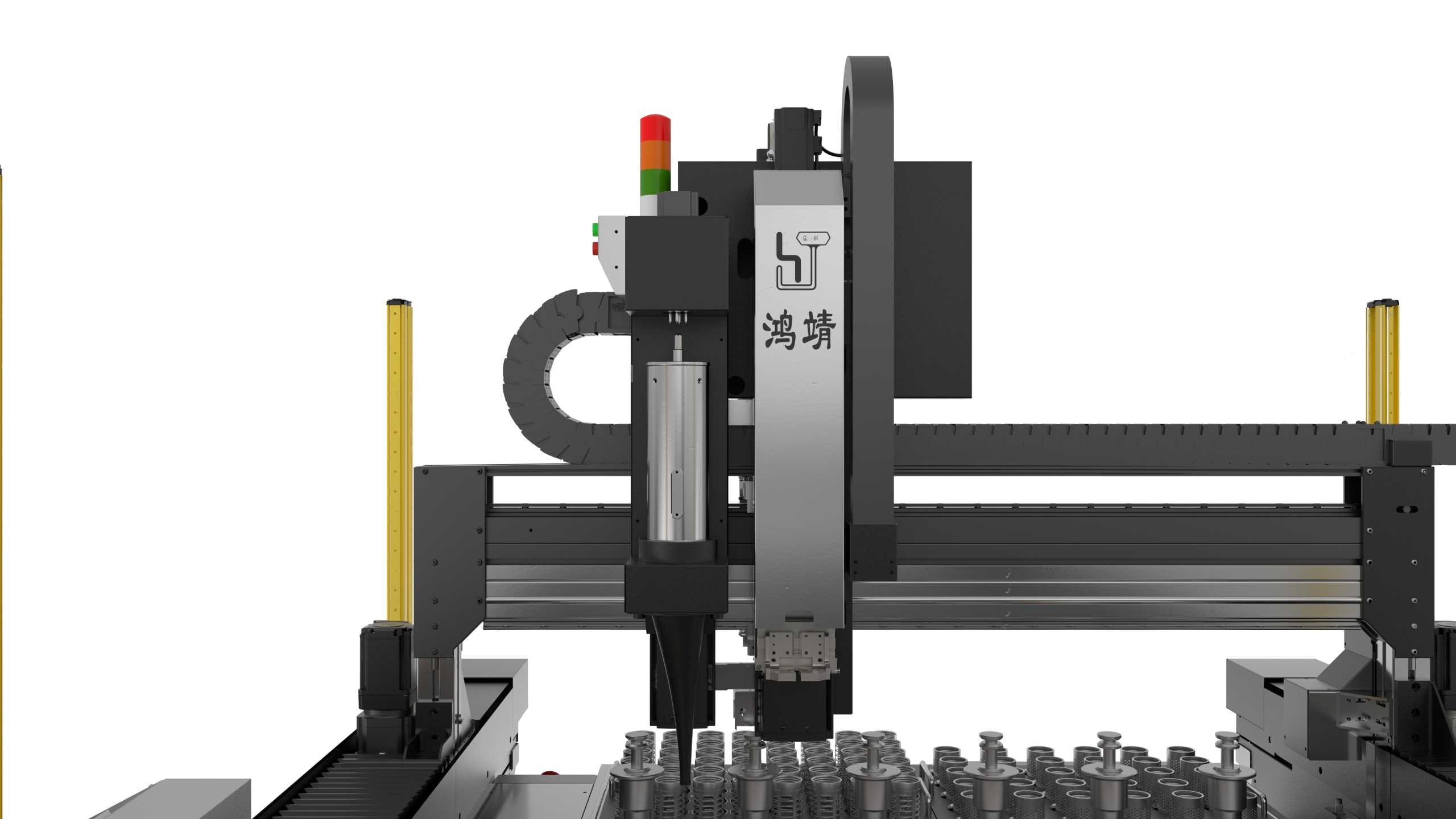
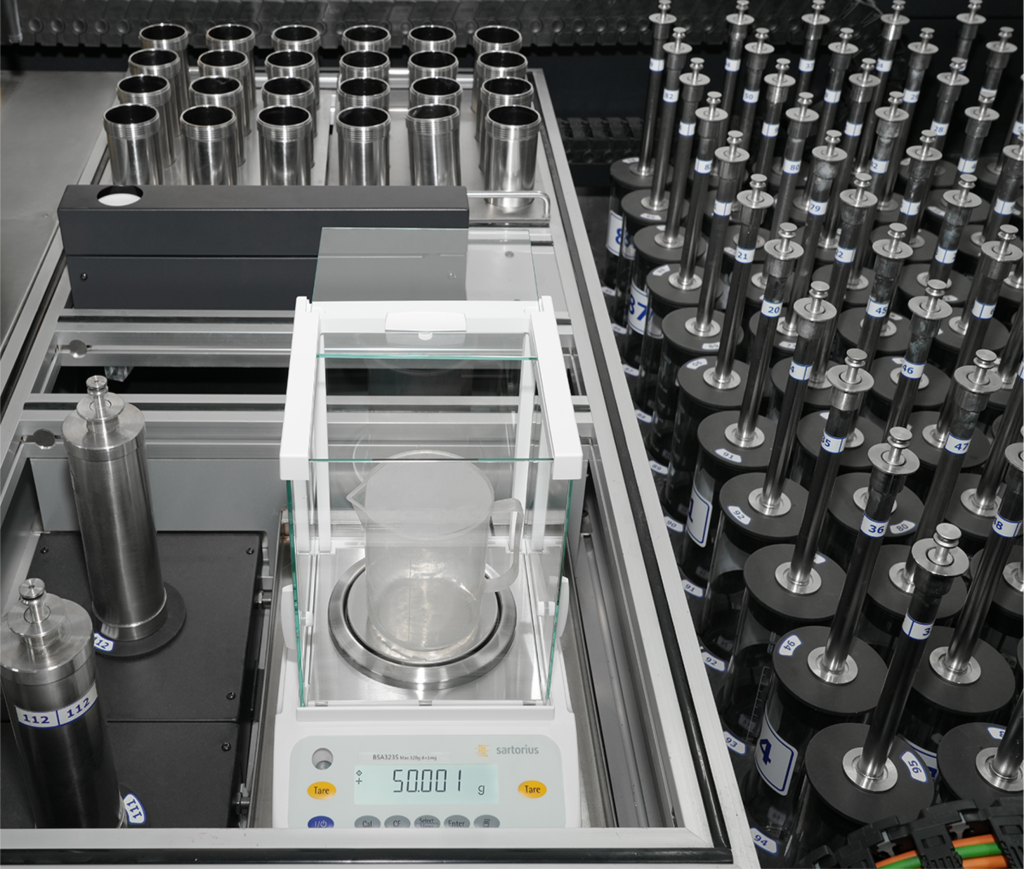
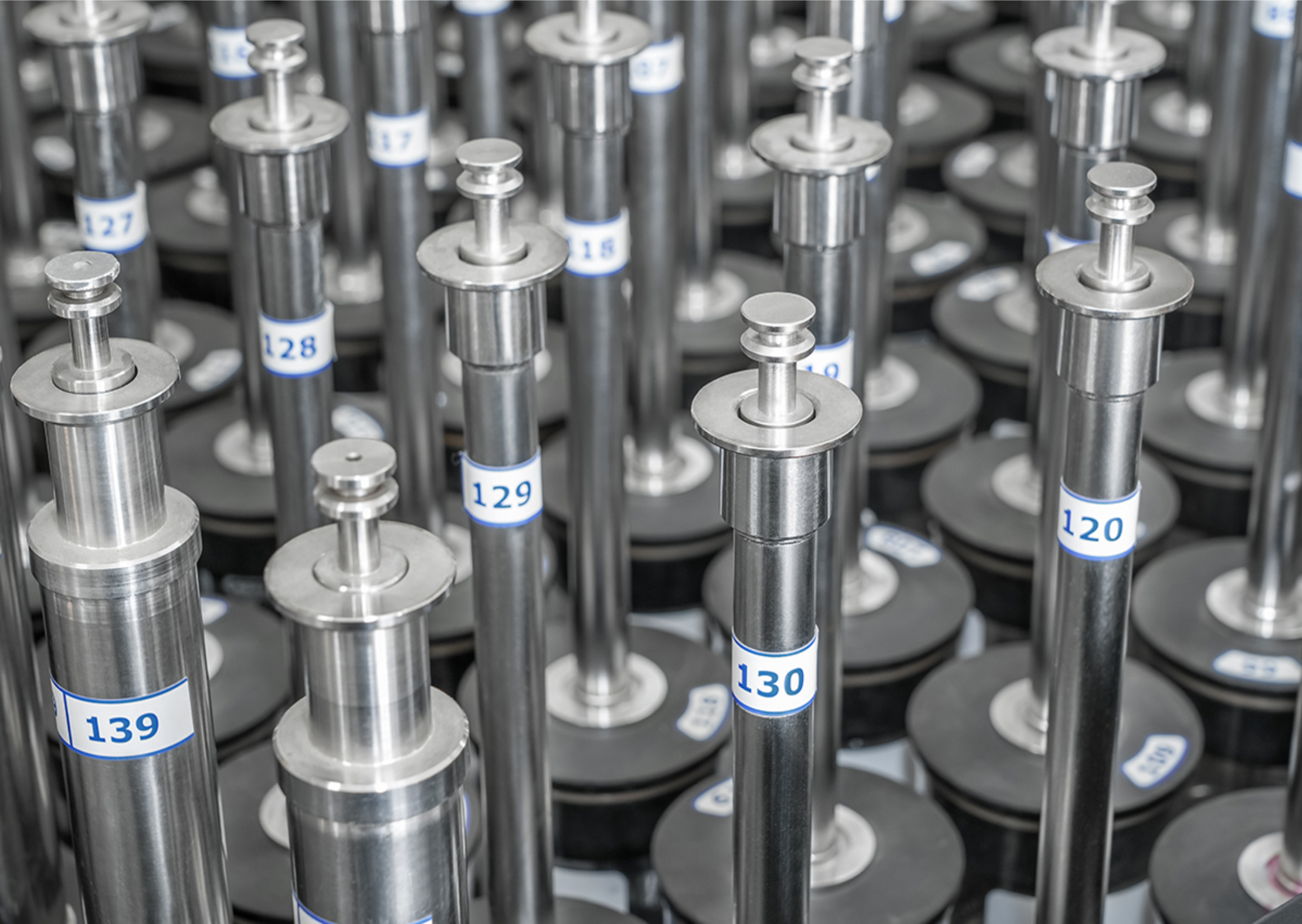
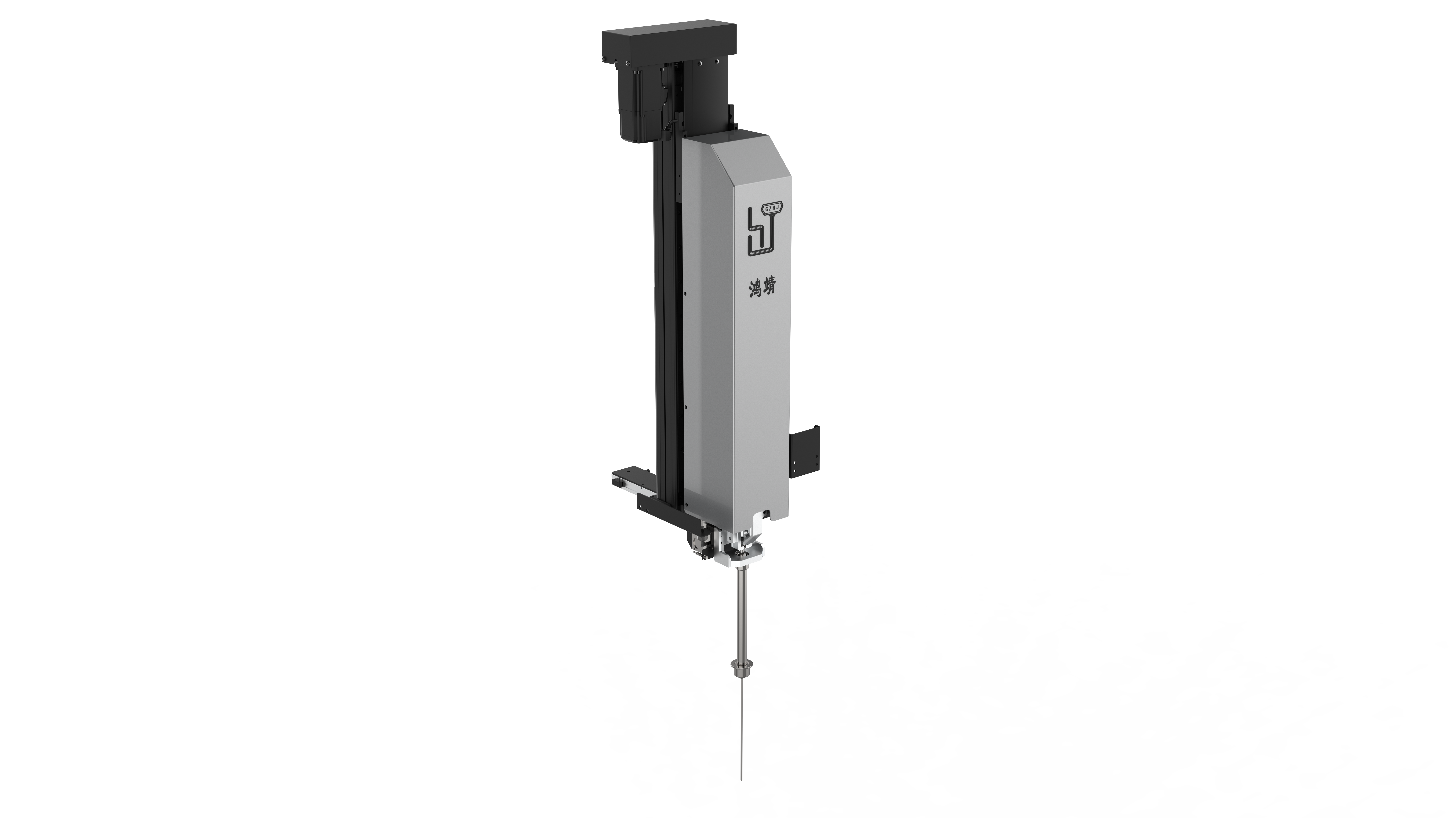
Automatic Dispensing and Dyeing System
The world’s first metal binder jetting system designed to bring metal 3D printing to machine shops. In addition to the turnkey standard system, Desktop Metal also offers the Shop System™+ and Shop System™ Pro packages for added flexibility, functionality, and value. The Shop System Forust Edition is also available for wood.
Flexible manufacturing
_Flexibility
The Shop System™ is designed to seamlessly integrate additive manufacturing into your shop’s workflow to improve productivity across any range of manufacturing scenarios.
- 01 Mixed-volume production
Produce parts with different geometries simultaneously
without the need for multiple setups.
- 02 Batch production
Produce parts with different geometries simultaneously
without the need for multiple setups.
- 03 Mid-volume production
Produce parts with different geometries simultaneously
without the need for multiple setups.
How it works
_Technology introduction
The Shop System™ is an end-to-end, single-pass binder jetting solution delivering high-resolution 3D printed parts at a fraction of the time and cost.
- 01 Mixed-volume production
Produce parts with different geometries simultaneously
without the need for multiple setups.
- 02 Batch production
Produce parts with different geometries simultaneously
without the need for multiple setups.
- 03 Mid-volume production
Produce parts with different geometries simultaneously
without the need for multiple setups.
Details
Generative Piston Head
Details
Generative Piston Head
Details
Generative Piston Head
Details
Generative Piston Head
Details
Generative Piston Head
Details
Generative Piston Head
Automotive
Automotive
Automotive
Additive Manufacturing 2.0
– 01
Mixed-volume production
Produce parts with different geometries simultaneously without the need for multiple setups.
– 01
Mixed-volume production
Produce parts with different geometries simultaneously without the need for multiple setups.
– 01
Mixed-volume production
Produce parts with different geometries simultaneously without the need for multiple setups.
1. 内容列表的列表项与媒体容器的媒体项相对应, 按顺序一一映射, 两者的数量应当一致(不一致则忽略多出来的项目)
2. 媒体项允许视频与音频
- 视频默认使用第一帧作为封面图
- 音频需要手动上传一张封面图于`图像`中
3. 由于浏览器安全策略, 有声视频不允许自动播放, 如果需要自动播放需要设置视频为静音
4. 新建项目必须将配置/样式完全复制, 否则可能会导致样式错乱或行为异常
E-mail*
Create your own free forms to generate leads from your website.